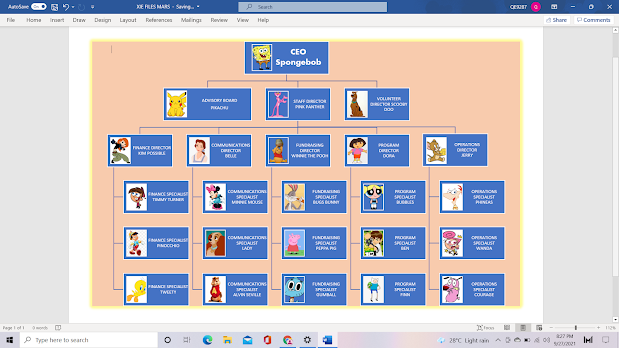
ORGANIZATIONAL CHART (HIERARCHY) FOOD CHAIN (CYCLE) MY SKILLS (RELATIONSHIP RADIAL LIST) -SmartArt allows you to communicate information with graphics instead of just using text. -There are a variety of styles to choose from, which you can use to illustrate many different types of ideas. To Insert a SmartArt Graphic: 1. Place the insertion point in the document where you want the SmartArt graphic to appear. 2. From the Insert tab, select the SmartArt command in the following illustrations group. Selecting the SmartArt command on the Insert Tab. 3. A dialog box will appear. Select a category on the left, choose the desired SmartArt graphic, then Click OK. 4.The SmartArt graphic will appear in your document.


Comments
Post a Comment